
Accessibility Update

BY Alexa White

[Note: As of April 20, 2026, the federal government extended the compliance deadlines to April 2027 for government entities serving populations of 50,000 or more and April 2028 for government entities serving populations less than 50,000.]

The Accessibility Deadline Is Here: Is Your Website Ready?

Accessibility has always been important for all websites – not just as a best practice, but as a critical part of usability, search engine optimization (SEO), and overall digital performance. Now, for government agencies, accessibility isn’t just a recommendation, but a requirement.

In April of 2024, the Department of Justice (DOJ) finalized a rule under the Americans with Disabilities Act (ADA) Title II that set specific accessibility standards for state and local government websites and mobile applications, which must be met starting this month.

 

What Is Digital Accessibility?

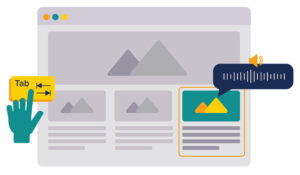
Digital accessibility means designing digital content (websites, mobile applications, online tools, etc.) so that people of all abilities can use them. This ensures that everyone can access, understand, navigate, and interact with your content. Accessibility helps remove barriers for people with disabilities, but it also improves the overall user experience for everyone.

Why Accessibility Is A Business Advantage

Whether you’re a government agency or a private organization, accessibility has real business impact:

  • Reach a wider audience: Millions of users rely on accessibility in websites. If your site isn’t accessible, you may be missing out on potential consumers.
  • Improve SEO performance: Many accessibility best practices – like proper structure, alt text, and clear navigation – also improve search rankings and can help make your website more visible.
  • Enhance user experience: Accessible websites are easier for everyone to use, which can lead to higher engagement and conversions.
  • Stay competitive: Accessibility is quickly becoming the standard. Organizations that prioritize it now will be better positioned as expectations and requirements continue to evolve.

Learn more about the importance of making sure your website is accessible here.

New ADA Title II Rule

While accessibility has long been a best practice and expectation for websites, the DOJ’s updated rule raises the necessary standard for state and local governments.

The rule now sets the Web Content Accessibility Guidelines (WCAG) Version 2.1, Level AA as the technical standard for state and local governments’ web content and mobile apps—a standard that Clark has set for their own sites since 2015.

Deadlines for compliance depend on the population served:

  • April 24, 2026: Government entities serving populations of 50,000 or more
  • April 26, 2027: Government entities serving less than 50,000 and special district governments

How Can I Tell If My Website Is Accessible?

Some key indicators of an accessible website include:

Keyboard Navigation

Users should be able to navigate your site only using a keyboard, with a visible focus indicator showing where the user is on the page.

Alt Text & Captions/Transcripts

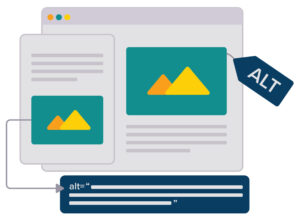
Descriptive alt text for all images allows screen reader users to understand images on your site. Captions ensure that video content is accessible to everyone, and transcripts are required for audio-only content, such as podcasts or recorded presentations. 


Color Contrast

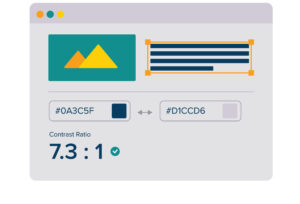
All text and visual elements should have sufficient color contrast for readability purposes. (Check here if your colors are accessible!)


Clear navigation and structure

All pages should follow a logical and consistent structure, making it easy for users to understand and navigate your site.

Compatibility with screen readers and other assistive technologies

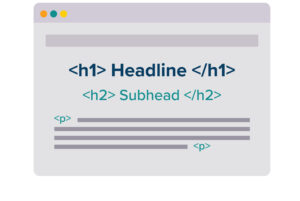
Content should be organized with clear headings, labels, and descriptions so screen readers can accurately convey information.

Running your website through an accessibility checker is also a good idea. This can help to highlight the areas where your website needs improvement.

Next Steps

To get started, conduct an accessibility audit of your website to identify gaps and understand where your website is not compliant. This will help you prioritize updates and address the most critical accessibility issues first as you prepare for compliance.

With deadlines here for government agencies – and rising expectations across all industries – now is the time to act to make sure your website is accessible and compliant.

Not sure where your website stands?

Clark can help you get there!